Your childcare business journey
A clear next step.
Find practical support for your setting, your UK nation and your business stage.

Existing policy templates primarily support childminders in England. Check suitability for your setting and nation before adapting resources.
Hi there, what do you need today?
Ask Polly about any policy, form or activity.
Start here
Four steps, one at a time. Do the highlighted step first.
- Up next Fill in your details once Your setting name and local contacts go into every document. Add my details
-
To do
Complete your must-have documents
0 of 6 done
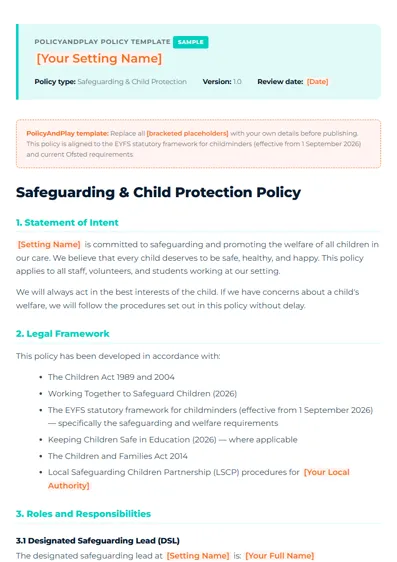
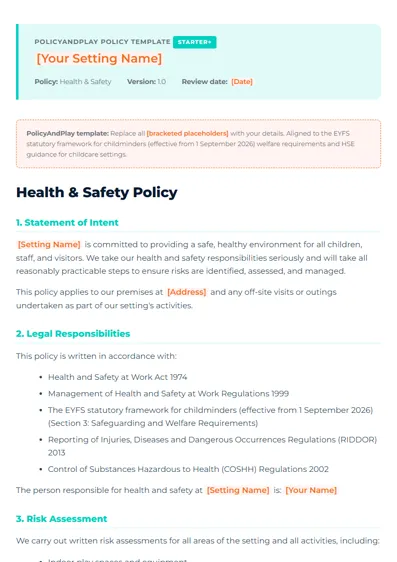
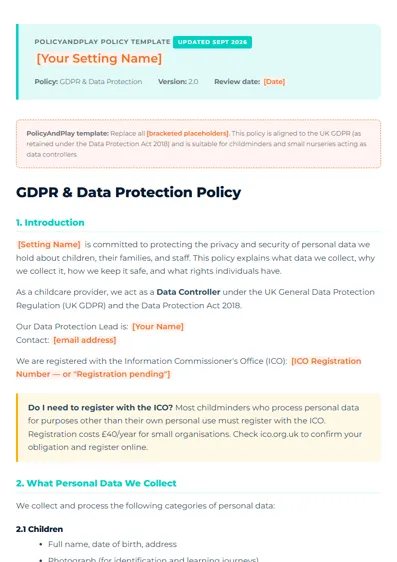
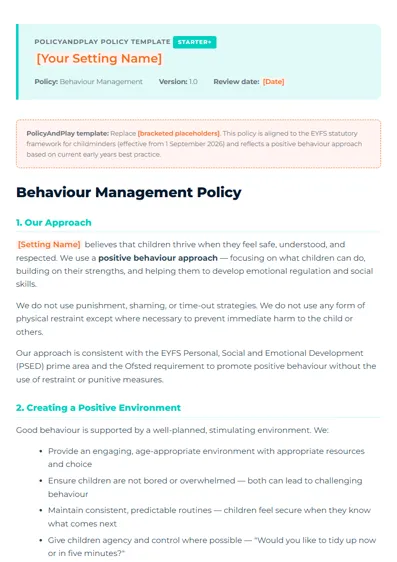
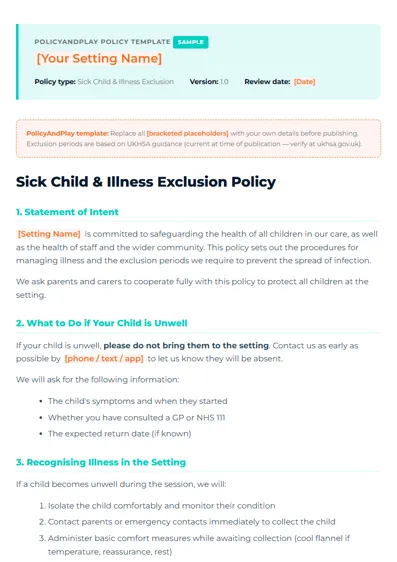
 Open Safeguarding policy next
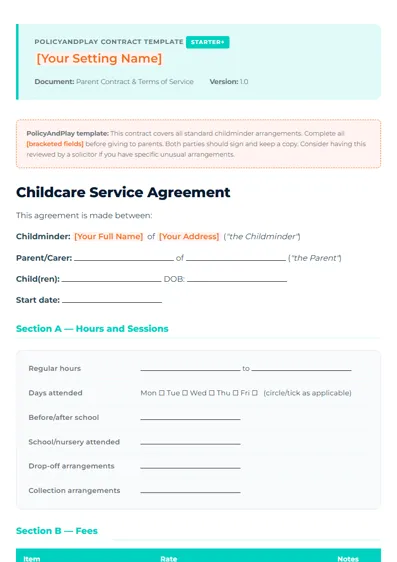
- To do Send to parents and get them signed Open a form, fill it in, then tap Send to parent to sign. Or print it and sign on paper. Open the parent contract
-
To do
File safely
Download everything in one ZIP, keep a copy, and note your review date.
Preparing...
Still registering with Ofsted? See Becoming a childminder. Help explains the rest.
This week's ideas
Your week plan is saved to your account so it follows you between devices. If you switch reminders on, we email you each day's activity.
The year ahead: what is coming up each month
- OctoberHarvest, pumpkins, autumn nature
- NovemberBonfire night safety, Diwali lanterns
- DecemberWinter walks, Hanukkah
- JanuaryToddler and baby collections
- FebruaryChinese New Year
- SpringHoli, Eid, growing and planting
Common jobs
Updated for you
- Safeguarding now says allegations of harm (not only serious harm) go to Ofsted within 14 days.
- Staff conduct widens what you must tell Ofsted about, including arrests and court orders.
- EYFS framework for childminders changed. Your policies now follow the 2026 version.
Inspection tools
Check where you stand, practise the questions, and get your paperwork in order.
Documents for inspection
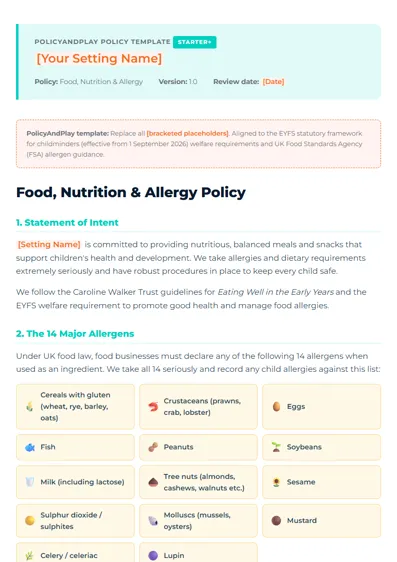
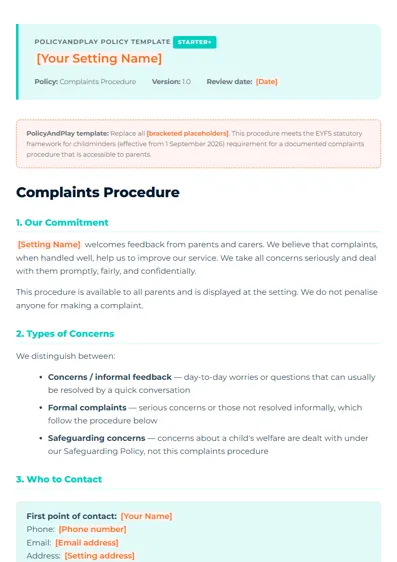
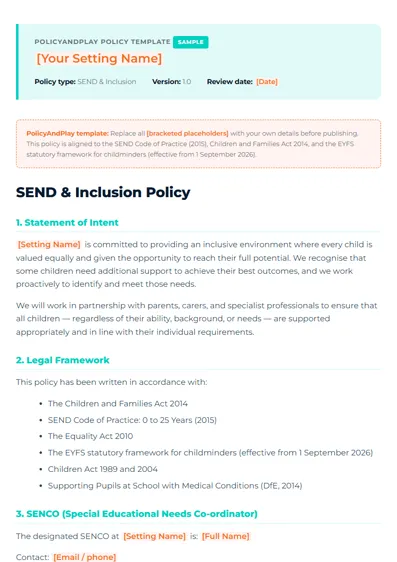
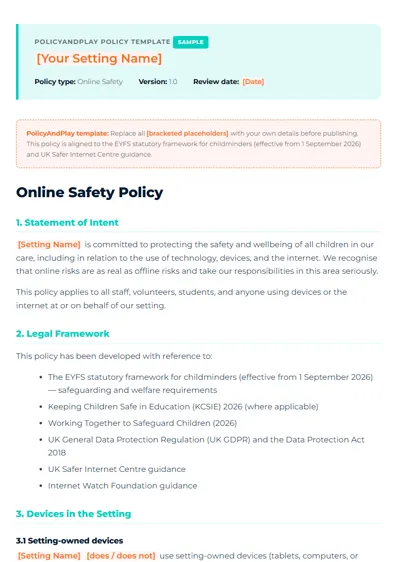
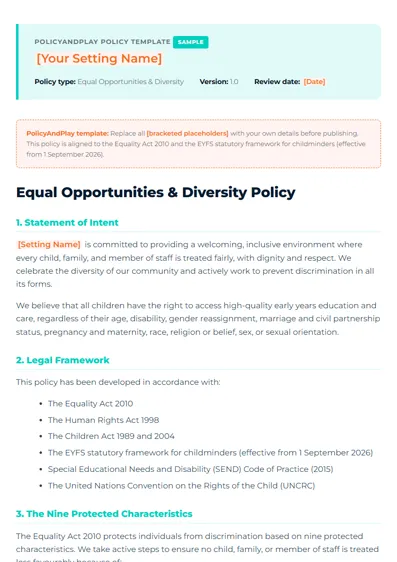
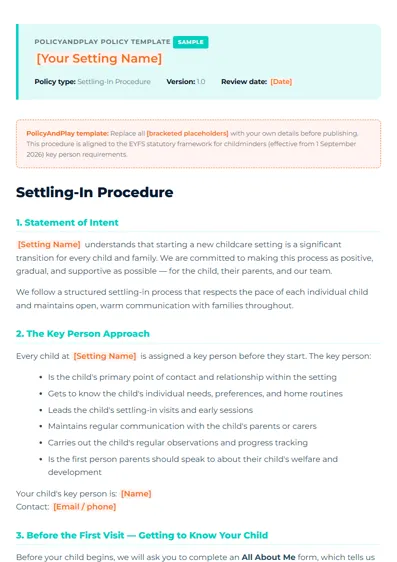
Policy Templates
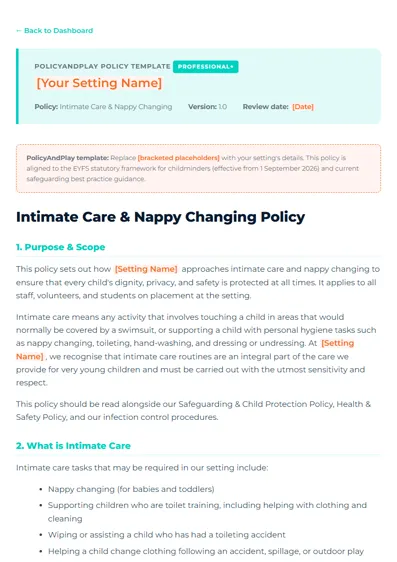
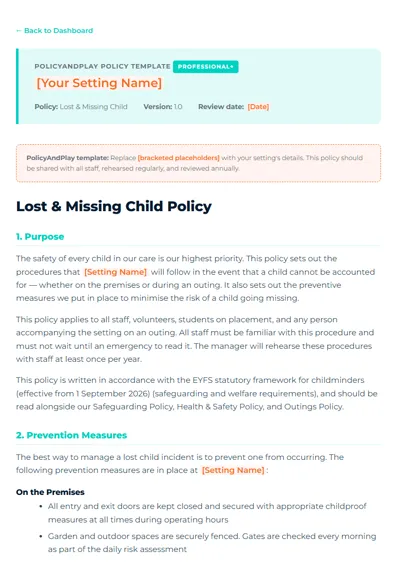
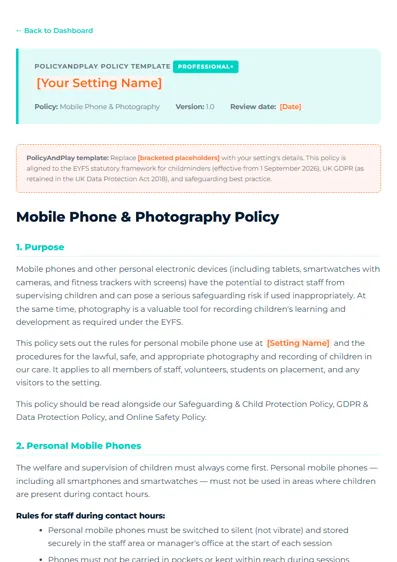
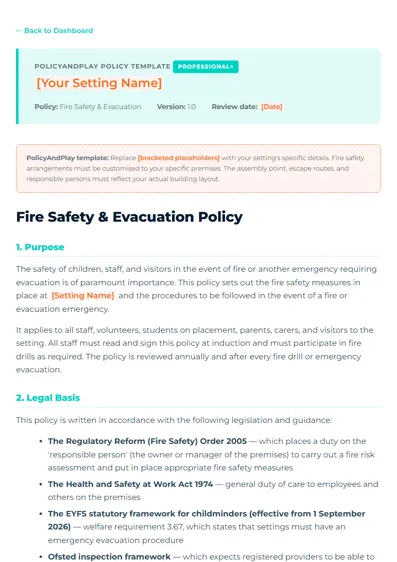
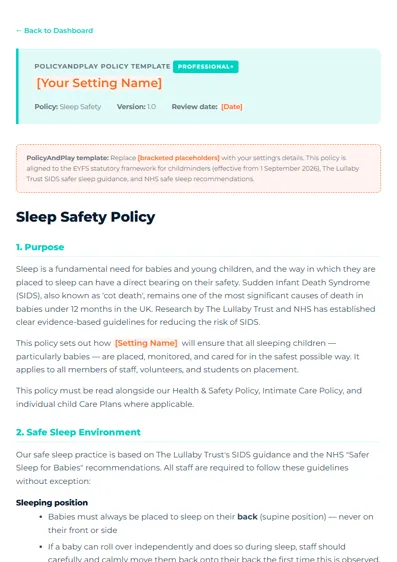
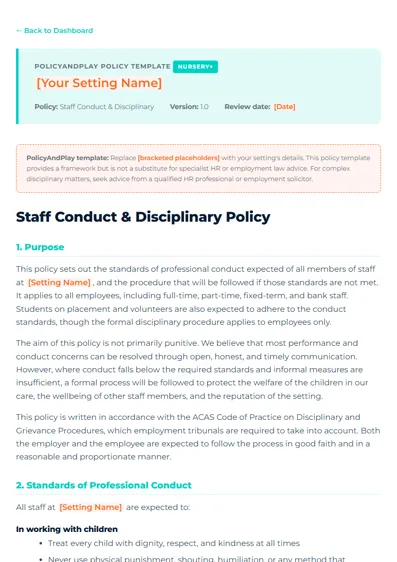
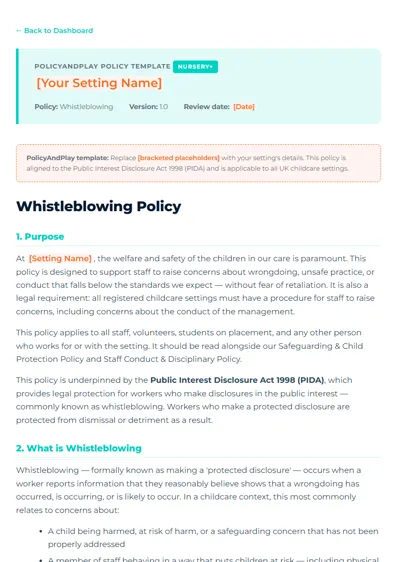
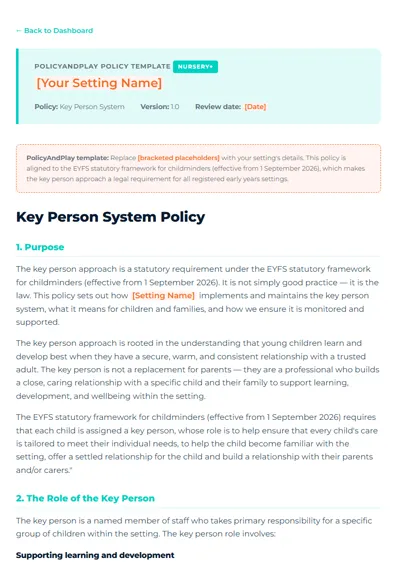
🎨 Activity Plans
📝 Forms & Printables
🎓 Business Guides
🌐 Website Templates
- Download — click the ? Download button on a template card above.
- Edit — open the HTML file in any text editor (Notepad on Windows, TextEdit on Mac) and replace every
[bracketed placeholder]with your own details. - Preview — drag the saved file into Chrome or Edge to check it looks right before publishing.
- Publish free — drag the file to Netlify Drop, Tiiny.host, or push to GitHub Pages for a free live website in minutes.
Tip: set your brand colour and logo in the Branding panel above — they are applied automatically when you preview templates in this dashboard.
Nothing matches that yet.
My branding: pick a brand pack, or use your own logo and colour
Your look goes on every policy and form, and is saved to your account so it follows you to any device.
Brand packs
No logo yet? Pick a ready-made look. Each one sets your colour and makes a logo with your setting's name.
This is how the top of your documents will look.
Print your door sign, welcome cover and price list in this look
Or use your own
Membership and billing
Change your card, see invoices or stop your plan.
Need help? Email [email protected]

📱 Social Media Templates & Guides